- March 10, 2026
- 0 Comments
- By l3admin
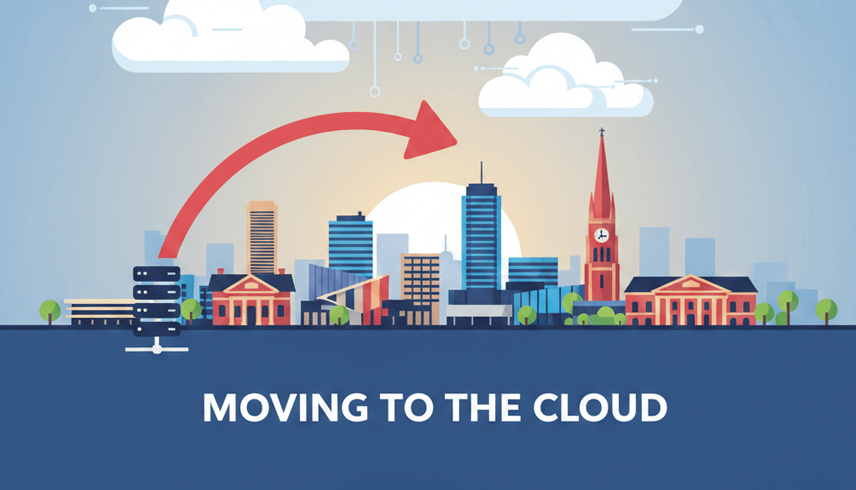
Moving to the cloud involves migrating your local server data, applications, and IT infrastructure to secure data centres like Microsoft Azure or AWS. This process eliminates the need for expensive on-site hardware while providing businesses with scalable, remote-access capabilities and enhanced cybersecurity.
At L3 Consulting, we have spent over 8 years helping organisations navigate this transition. We understand that for a business or a medical practice , “the cloud” isn’t just a technical term—it is the engine that keeps your team productive during a summer heatwave or a sudden shift to remote work.
Why Businesses are Choosing Server Migration
In our experience serving the Global markets since 2017, we have seen a significant shift. businesses are moving away from the “closet server” model—where a noisy, heat-generating box sits in a back room—toward sleek, managed cloud environments.
Unique climate and infrastructure also play a role. With Global extreme summer temperatures often exceeding 40°C, maintaining the strict cooling requirements for on-premise server rooms can lead to skyrocketing electricity bills and increased hardware failure risks. By migrating to the cloud, you offload these environmental risks to world-class facilities.
Comparing Cloud Solutions
When considering Cloud Solutions , most businesses land on one of three primary paths. Choosing the right one depends on your current legacy software and your long-term growth goals.
| Migration Strategy | Best For | Pros | Cons |
| Rehosting (Lift & Shift) | Quick exits from ageing hardware | Fastest to implement; minimal downtime | Doesn’t fully utilise cloud-native features |
| Replatforming | Modernising without a full rewrite | Better performance and scaling | Requires some configuration changes |
| SaaS Integration | Replacing generic apps (e.g., Email) | Low maintenance; always up to date | Less control over specific features |
Step-by-Step Server Migration Process
A successful Server Migration requires more than just an internet connection. At L3 Consulting, we follow a rigorous framework honed over nearly a decade of managed services.
- Readiness Assessment: We audit your current infrastructure, from your office to your satellite sites. We check for “bandwidth bottlenecks” that might affect your migration speed.
- Data Sovereignty Planning: For our clients in the legal or healthcare sectors , we ensure all data resides in local data centres to comply with local privacy laws.
- The “Pilot” Phase: We migrate a non-critical workload first to test latency and user experience before moving your entire database.
- Final Cutover: Performed after-hours (or on weekends) to ensure your staff arrive Monday morning to a fully functional system.
The Cost of Cloud Migration
Pricing for a migration varies based on complexity, but we believe in transparency. For a typical Global SME, the investment is often offset by the removal of “hidden” costs like server insurance, cooling, and the 3 to 5-year hardware replacement cycle.
- Small Business (1-5 Servers): $5,000 – $15,000
- Medium Enterprise (5-20 Servers): $20,000 – $50,000+
- Ongoing Managed Support: Usually a fixed monthly per-user fee.
Building Trust: The L3 Consulting Difference
In our 8+ years of operation, we have learned that business owners value accountability. If there is a problem with your Cloud Solutions , you want to speak to someone who knows exactly where your office is and how your specific industry operates in this state. Whether you are dealing with the NBN rollout in Prospect or upgrading systems in a Barossa Valley winery, we bring expertise to every project.
In most cases, yes. We use technologies like Azure Virtual Desktop to host older Windows-based applications in a cloud environment, allowing you to access them from any device, including iPads or home laptops.





Leave a comment